Welcome to WinChata Communications

The next generation of AI-powered messaging, automation, and intelligent communication for business and personal use — fast, secure, and designed for the future.

A Communication Hub for Laptops , Desktops or Windows Servers 

Getting to Know your Winchata's AI  Assistant

Why Choose WinChata?

Laptop-First Messaging
WinChata turns your Windows laptop or desktop into a powerful communication hub — faster typing, a full keyboard, bigger display, and better workflow.

Multiple Conversations at Once
Easily manage several two-way conversations simultaneously — something phones simply aren’t built for.

AI-Assisted Messaging
Summaries, smarter replies, rewrites, triage, and time-saving automation help you communicate faster and more intelligently.

Dedicated Secure Phone Number
Your messages go through a professional, encrypted WinChata phone number — separate from your personal device.

Cloud-Powered, Yet Locally Private
Fast cloud processing with all your conversations stored securely inside your Windows user profile. Each user on the same PC has their own private communication space.

Fully Encrypted Credentials
Your Twilio and API keys are encrypted and safely stored in the Windows Registry — never exposed.

Pricing and Release Date to be announced for January 2026
You will be pleasantly surprised it is very affordable. The value for service is fantastic.

Created by Chris C. Chambers from Inca Business Systems Inc. 
Located in West Kelowna British Columbia Canada
This project development was assisted by OpenAi's ChatGPT 5.1 and 5.2
Chris is also the  creator of Visual Inca ERP SAAS based Software

About Chris C. Chambers Click here

How WinChata Works

1. Your Secure WinChata Phone Number
You receive a dedicated, encrypted messaging number used exclusively for WinChata communications — completely separate from your personal phone.

2. Your Laptop Becomes Your Messaging Hub
Install WinChata on Windows and instantly gain full keyboard speed, easy multitasking, message history, and a workspace built for true productivity.

3. AI + Cloud Empower Your Conversations
WinChata processes messages using fast cloud infrastructure while keeping your history stored privately inside your Windows user account. AI tools assist with summaries, routing, replies, and smarter communication.

WinChata AI Assistance

Smarter Conversations, Less Effort
WinChata includes integrated AI tools that help you communicate faster and more efficiently — without switching apps or losing context.

• Automatic Message Summaries
Let AI condense long message threads into clean, simple summaries.

• Suggested Replies & Rewrite Tools
Craft perfect responses in seconds — professional, friendly, or concise.

• AI Help When You Need It
Ask questions, gather information, or translate messages right inside WinChata.

• Smart Search & Recall
Instantly find any conversation, topic, or detail using AI-powered search.

• Routing & Prioritization (Future)
AI can help route inbound messages, highlight urgent conversations, and keep your workflow organized.

Secure by Design, Private by Default

End-to-End Privacy in Your Windows Profile
All conversation history is stored privately inside your Windows user account. Each Windows user has their own isolated, protected space — perfect for shared computers.

Encrypted Credentials
Your Twilio and API keys are encrypted and safely stored in the Windows Registry — never exposed or saved in plain text.

Cloud Speed with Local Control
WinChata uses cloud infrastructure for fast message handling, while your history remains securely on your machine.

Separation from Your Personal Phone
Your WinChata number is completely independent from your personal phone, keeping business and private communication safely apart.

Secure Communication Channel
Messages are exchanged using SSL-secured, encrypted endpoints between WinChata and the cloud.

Getting to Know Your Assistant

Artificial intelligence can feel unfamiliar or even intimidating when it is not explained clearly. This page exists to explain — in plain language — what your Assistant is, how it works, and what it realistically costs to use.

What Your Assistant Is

Your Assistant is a guided tool. It helps you write, summarize, organize, and think more clearly — based entirely on the instructions you give it.

It does not act independently. It does not make decisions for you. The quality of the result depends on the quality of the guidance.

Your Assistant works under your guidance.
Clear instructions produce clear results.
Vague instructions produce vague results.
  • Writing and refining messages
  • Summarizing conversations
  • Preparing business responses
  • Organizing ideas and information
  • Learning new tools or subjects

What Your Assistant Is Not

  • It does not think independently
  • It does not understand truth or intent
  • It does not have awareness or judgment
  • It does not replace human responsibility
Responsibility always remains with the human.

Choosing the Right Assistant Model

Your Assistant can operate at different capability levels. Each level is designed for specific types of work and has a clearly defined cost. You can change models at any time.

Level 1 — Everyday Assistant

Best for: Text messages, emails, summaries, customer replies, everyday writing.

Cost: Approximately $1 per 1,000,000 tokens

  • 1,000 tokens ≈ 1–2 pages of text
  • 1,000,000 tokens ≈ about 1,500 pages
  • ≈ $1 for an entire month of extremely heavy personal use

Most individuals will spend only a few cents per month at this level.

Level 2 — Business & Analysis Assistant

Best for: Business summaries, reports, longer documents, structured thinking.

Cost: Approximately $3 per 1,000,000 tokens

  • ≈ $3 for roughly 1,500 pages of content
  • Ideal for small businesses and teams
  • Strong balance of cost and capability

Level 3 — Advanced Reasoning Assistant

Best for: Coding, technical problem-solving, complex analysis.

Cost: Up to $15 per 1,000,000 tokens

  • ≈ $15 for about 1,500 pages of advanced output
  • Typically used only when truly needed
This level exists for specialized tasks — not everyday use.

Monthly Billing — Explained Clearly

Billing is calculated monthly based only on what is used during that month. Each month starts fresh.

  • No subscriptions required
  • No minimum spend
  • No hidden fees
  • No carryover between months

Even with multiple users sharing an account, it is difficult to reach the highest usage tiers in a single month.

A Final Thought

Your Assistant is powerful precisely because it does nothing on its own.

It assists. You decide.

About Model Pricing

The pricing examples shown on this page reflect the current rates for the Assistant models available at this time.

As AI technology continues to evolve, model capabilities and pricing may change. When changes occur, we will make every effort to keep this information up to date.

Any updates to pricing or available models will always be reflected clearly, so you can make informed decisions with confidence.

In short:
These are today’s rates, shown transparently.
If things change, we will tell you.

Winchata Control Center

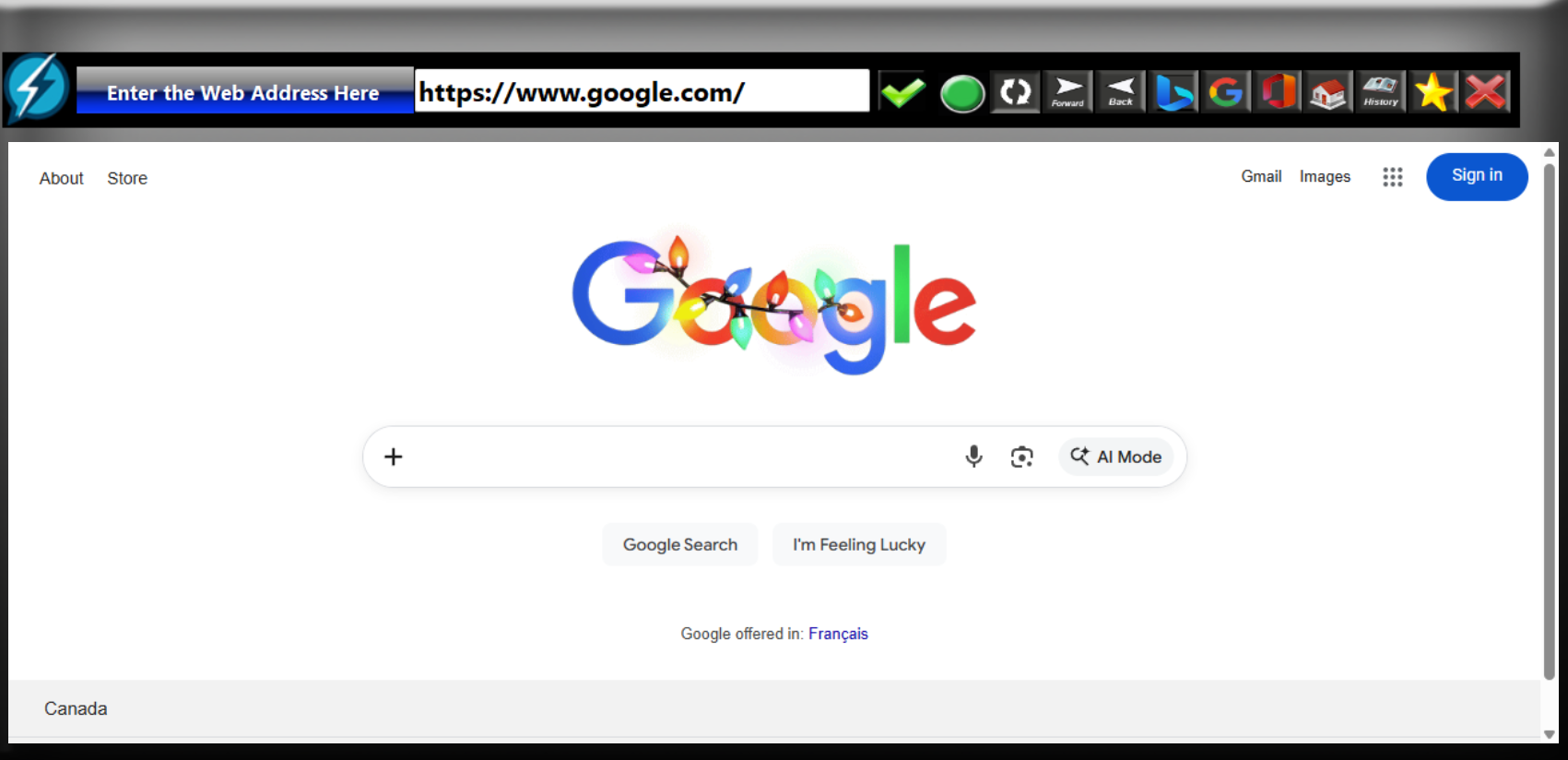
Winchata's  Private Web Browser
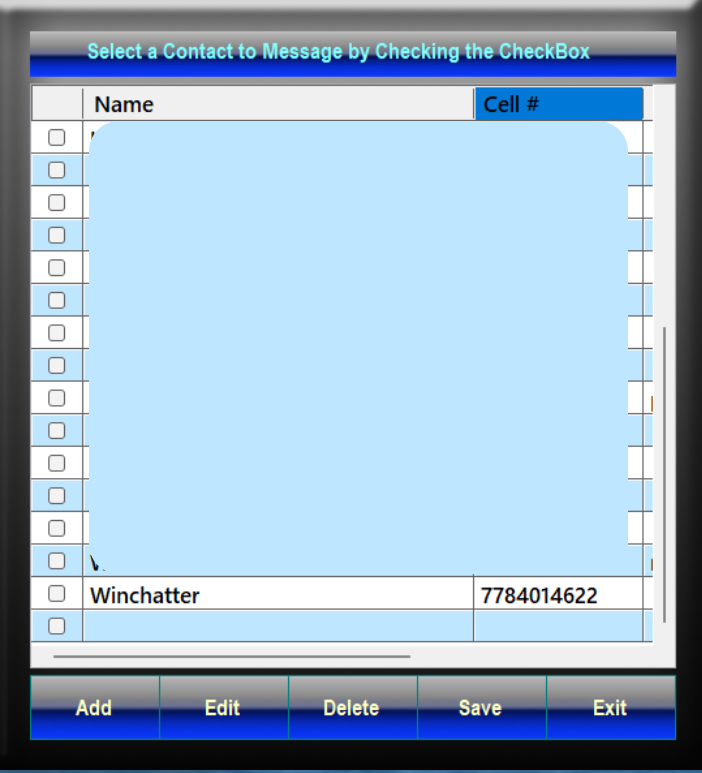
Winchata's Contact Manager

Winchata's Message Hub the Live Chat Module

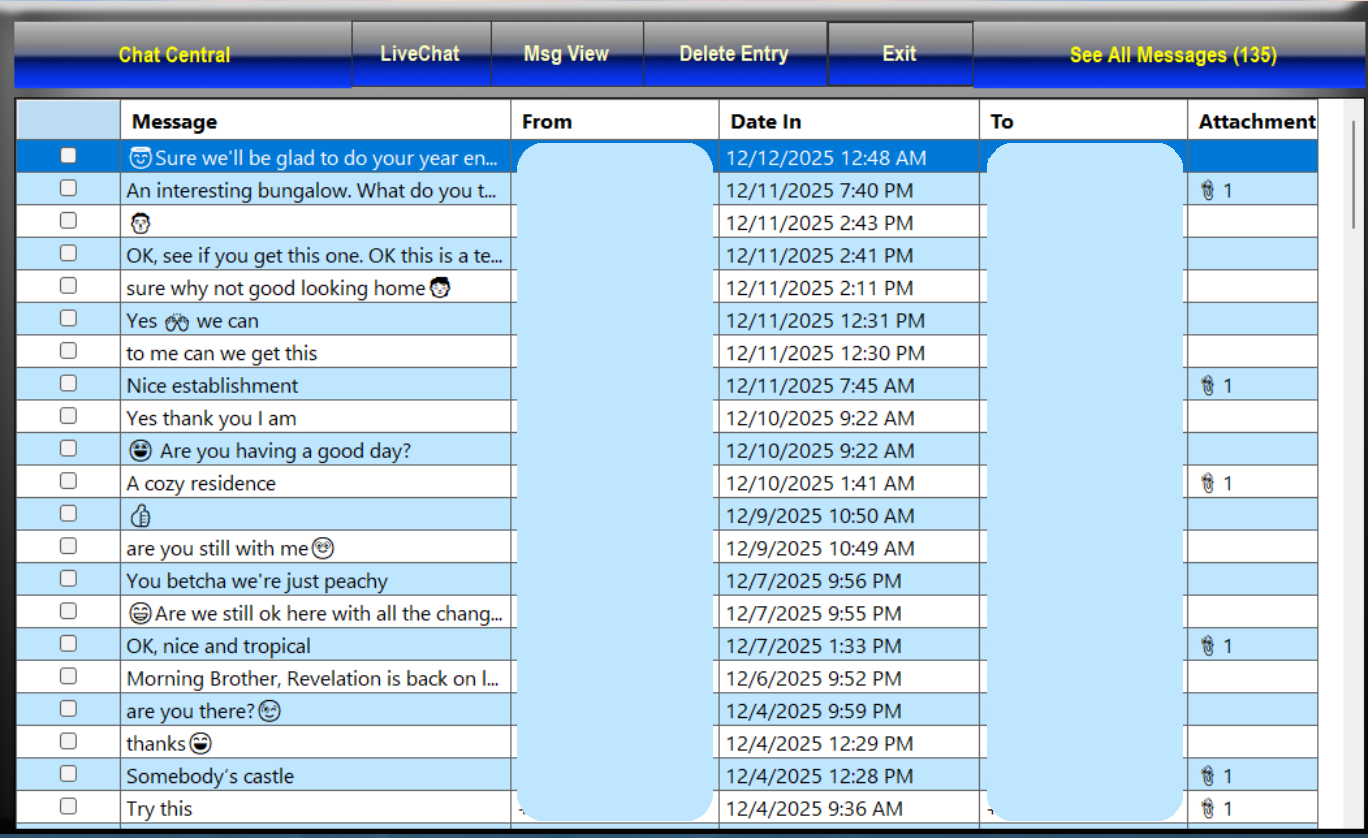
Winchata's Chat Central  Contains 
All Current Messages on this account

Winchata's  AI Assistant with 
multi  choice models to choose from 

AI Composer in action during a message interchange. It does  need to be called it does not barge in and stick annoying options in your way.